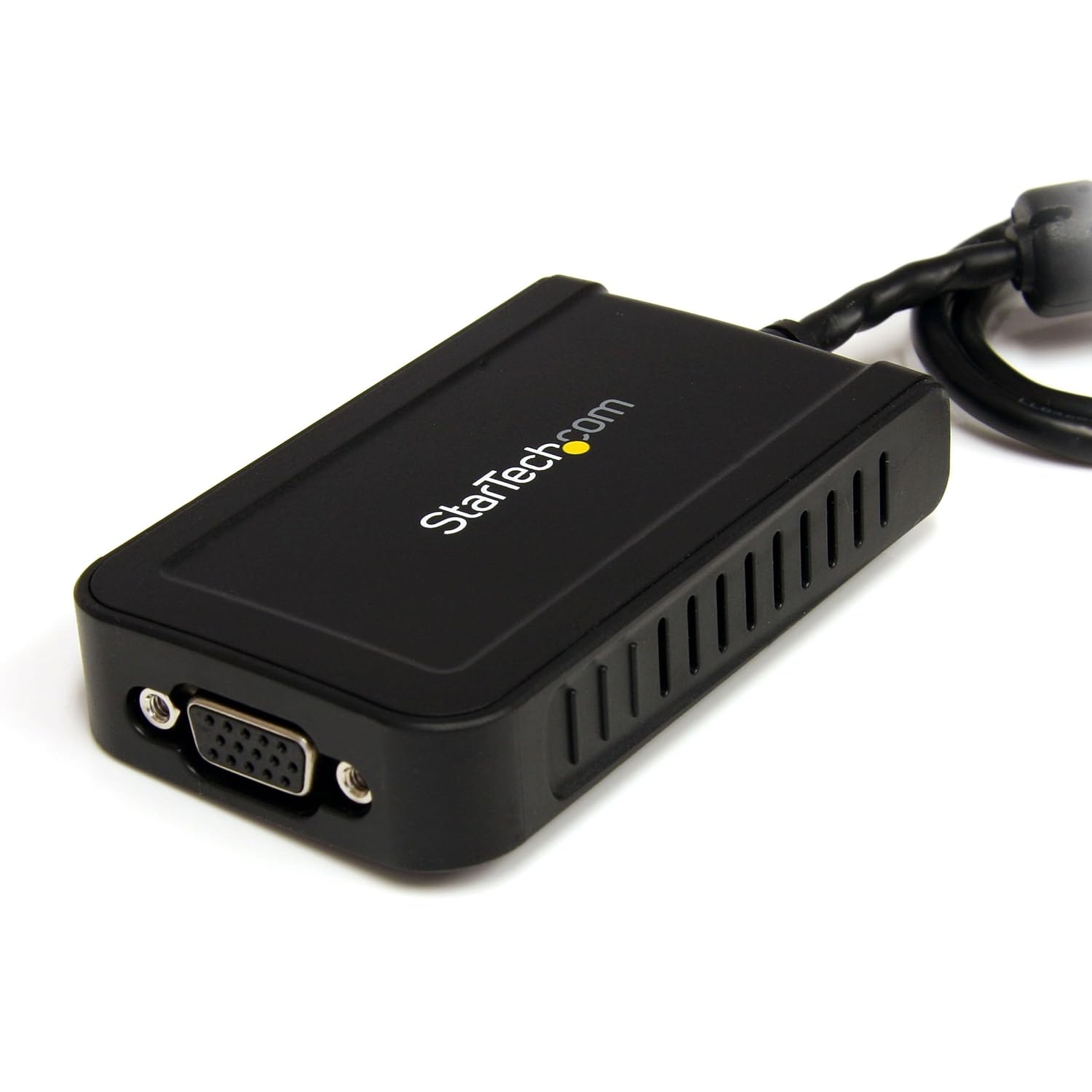
 Not everyone is amazed when they come into my office, but there are those who look at the three monitors and are impressed, especially since one is my laptop, and the other two stream off of it. Most of us know how to hook up one extra monitor but what about two?
My solution to this problem fell upon me when a graphics card broke. The card itself didn't break, just the hookup that I was using to connect the monitor. As I limped by in those days I was forced to find another way (if only temporarily) to have a monitor.
I fixed my issue with a USB to VGA adapter. The beauty of this fix was once I got a new laptop I was able to use it to install my second extra monitor.
I don't suggest this as a permanent option for those of you that truly utilize multiple monitors, but for those that are thinking about it, or only need one on occasion I think it is a good midpoint to start. If you require (or be honest, you just want more don't you) multiple monitors, you will eventually need to set up your machine to run them. While most laptops can handle one extra monitor, you would probably need a desktop to handle more.
There are some draw back however to gaining an extra monitor the way I did:
1. It is running through a software which means it will never be as good as one straight from you graphics card.
2. It takes extra processing power, this means that if you are running a dated machine it will slow you down even more.
3. The refresh rate among other things is slower which will make it hard for you to do anything on this monitor that requires it, such as watching videos or playing games. (note: These will still work on your other monitors, simply not this one.)

No comments:
Post a Comment